Official Source Only
Catchify does not have any other official websites. Download only from GitHub Releases.

Free Ad-Free Music Streaming App for Android & iOS
The 100% free Spotify alternative with zero ads, no forced shuffle, synced live lyrics, and unlimited offline song downloads. No subscription ever.
Catchify does not have any other official websites. Download only from GitHub Releases.
Tired of forced shuffle, endless audio ads, and paying monthly fees just to download tracks? See how Catchify compares to the leading music streaming services.
| Feature |
100% Free
Catchify
|
Spotify (Free) | YouTube Music (Free) | JioSaavn (Free) |
|---|---|---|---|---|
| Subscription Price | Free Forever | $10.99/mo for Ad-Free | $10.99/mo for Premium | $4.99/mo for Pro |
| Advertisements | Zero Ads (100% Ad-Free) | Disruptive audio & banner ads | Video & audio ads | Frequent audio ads |
| Offline Downloads | Unlimited Free | ❌ Premium Only | ❌ Premium Only | ❌ Pro Only |
| Playback Control | On-Demand (Play Any Song) | ⚠️ Forced Shuffle (Mobile) | On-Demand (With Video) | Limited Skips |
| Background Play | Full (Screen Locked) | Supported | ❌ Pauses when Screen Locked | Supported |
| Synced Live Lyrics | Live Scrolling Free | Limited / Paywalled | Basic lyrics only | Limited |
| Spotify Playlist Import | 1-Click via Share Link | N/A | ❌ Not Supported | ❌ Not Supported |
| Indian Regional Music | 21+ Languages Curated | Limited regional filters | Limited curation | Supported |
| Equalizer & Bass Boost | 10-Band + Custom Presets | Basic 6-band | Basic | Basic presets |
| Account / Sign-Up | No Account / No Card | Mandatory login | Google account required | Mandatory login |
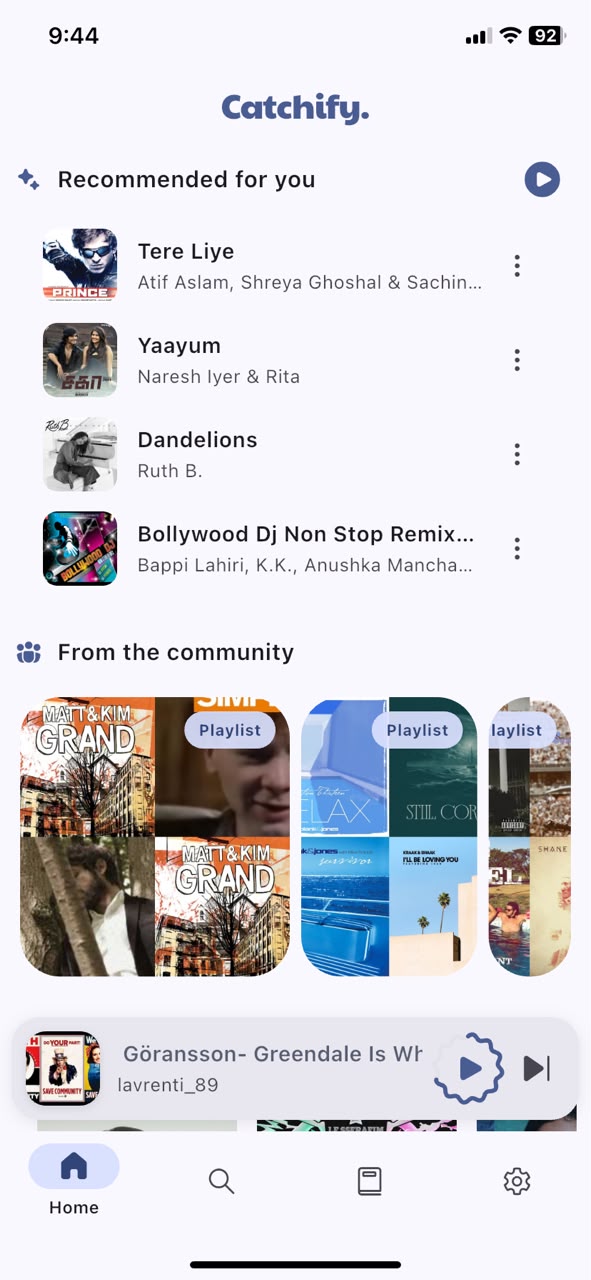
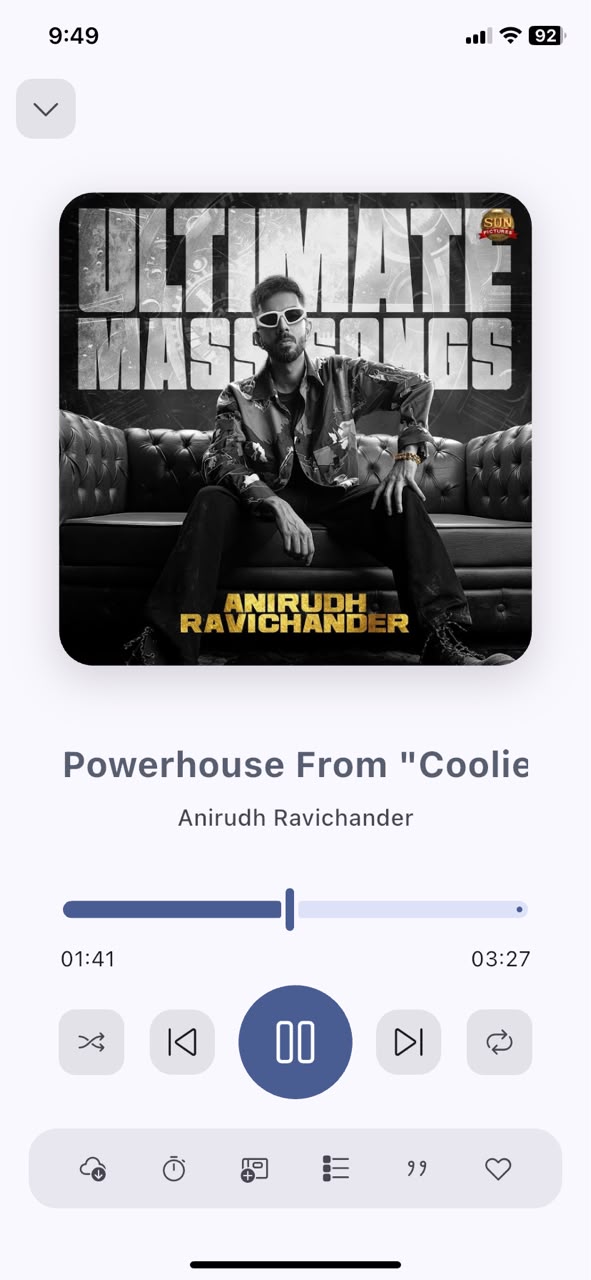
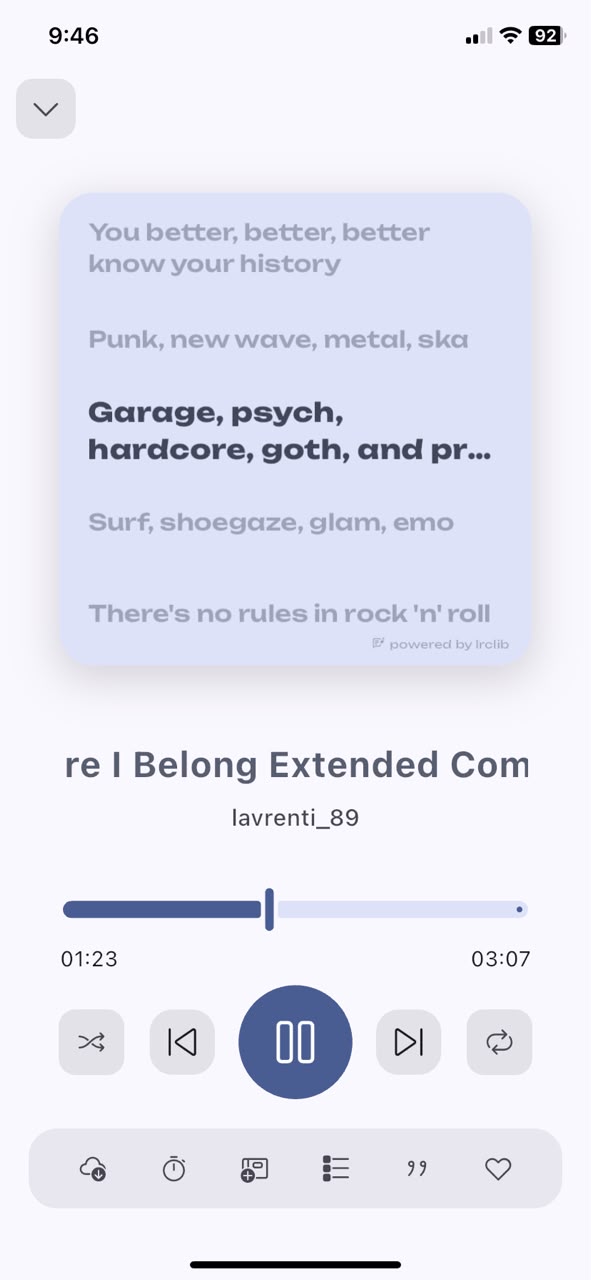
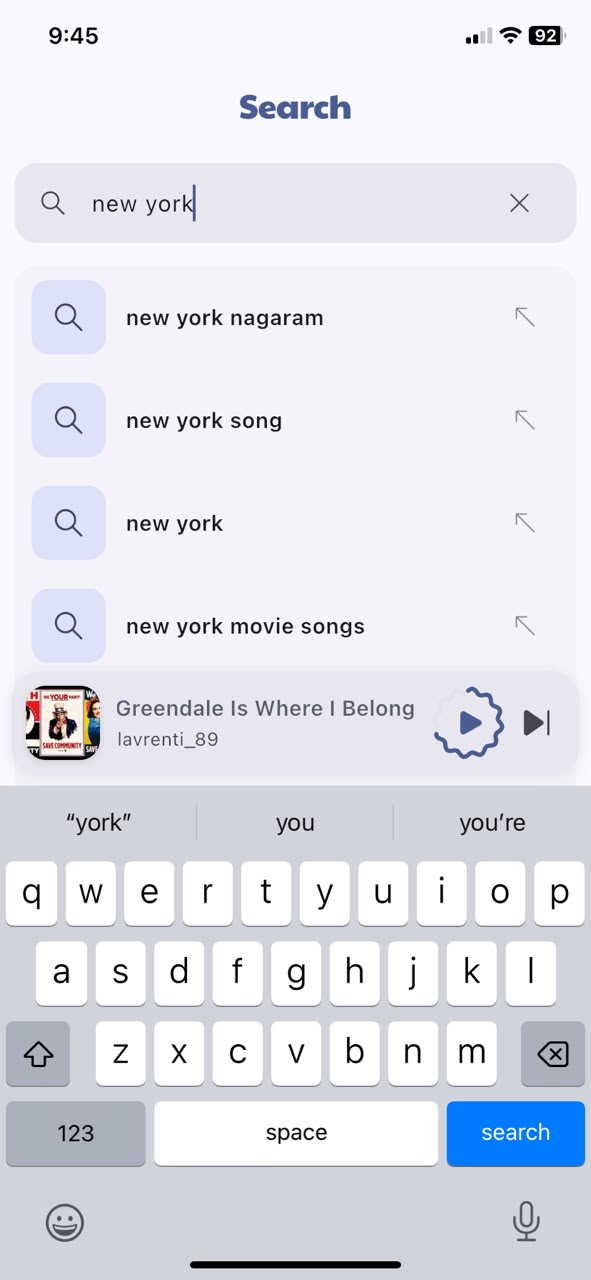
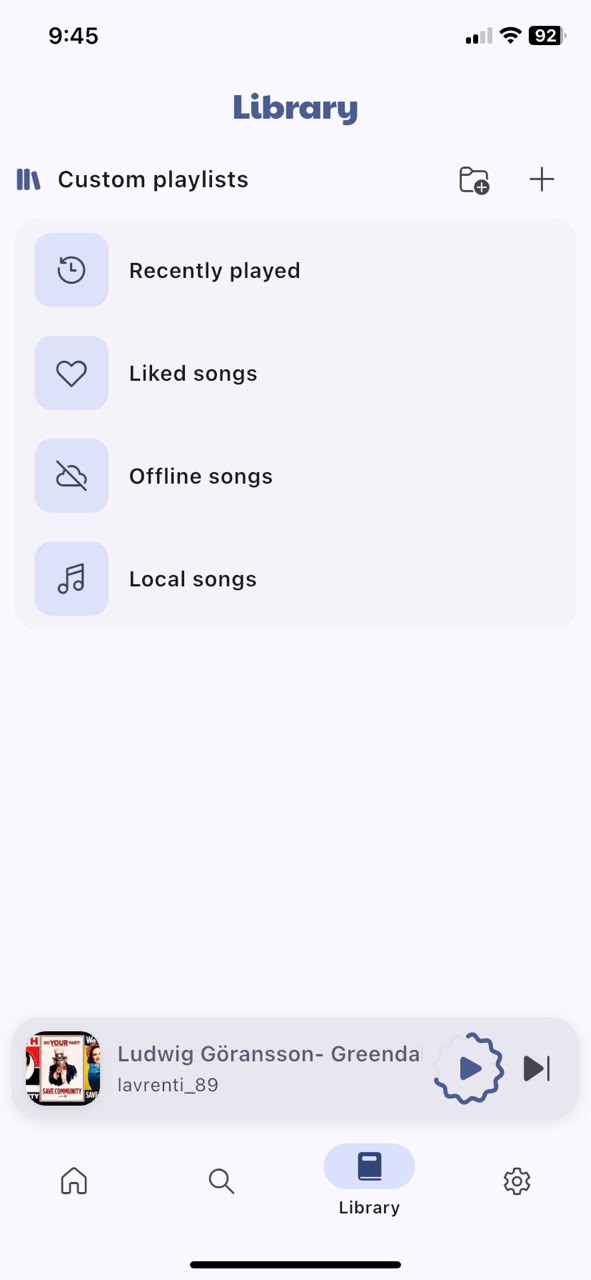
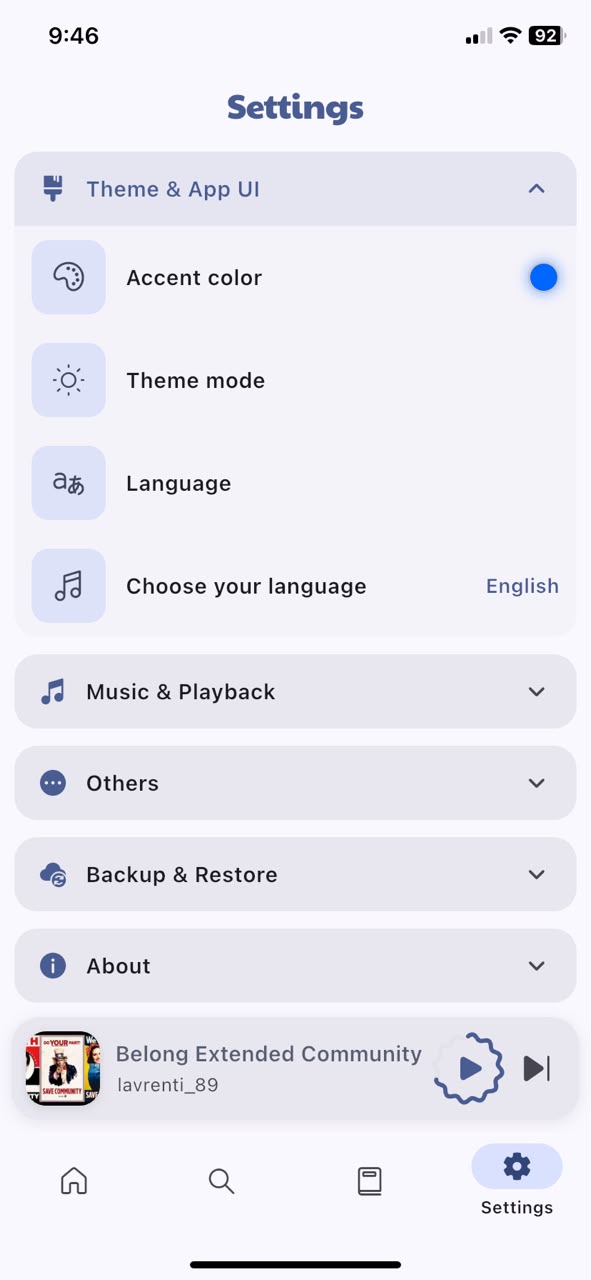
Catchify is a free Android app for streaming and downloading music, with no ads, no subscriptions, offline playback, custom playlists, an equalizer, lyrics, and support for 21+ languages including Tamil, Hindi, and Telugu.
Yes. Catchify is completely free — no ads, no subscription plans, and no hidden costs. You can use it forever for free.
Yes. Catchify is a free, ad-free alternative to Spotify for Android and iOS. Unlike Spotify, there are no subscription fees, no audio ads interrupting your music, no forced shuffle on mobile, and you can download unlimited songs offline at no cost.
No. Catchify gives you 100% on-demand playback. You can pick any track, skip without limits, replay, and scrub smoothly without any forced shuffle restrictions.
Yes! In Spotify, tap Share on any public playlist and copy the link. In Catchify, go to Playlists > Import via Link, paste the link, and Catchify will match and load your full playlist for free ad-free streaming and offline download.
Yes. Catchify fully supports background playback with lock-screen media controls on both Android and iOS devices, so your music keeps playing even when your phone is in your pocket.
Yes. Catchify is completely free with no ads — a great replacement for JioSaavn, Gaana, or Wynk Music, especially for Indian regional language users. It supports Tamil, Hindi, Telugu, and 18+ more languages with curated music suggestions.
Catchify is one of the best free, ad-free music apps for Android. It's open-source, requires no subscription, and offers offline downloads, equalizer, lyrics, and 21+ language support — making it a top choice among free music apps.
Yes. Download songs and full playlists for offline listening — no internet needed after download.
The interface supports 21+ languages, with curated music suggestions for Tamil, Hindi, Telugu, Marathi, Bengali, Kannada, Punjabi, Malayalam, Gujarati, Urdu, Odia, Assamese, Sanskrit, and Konkani.
Yes. Catchify is fully open-source. The source code is available on GitHub.
Tap the Download Android (.apk) button on this page — the APK downloads directly. Open it on your Android device and allow installation from unknown sources if prompted.
Since Catchify is 100% free, open-source, and not distributed through Apple's App Store, you can sideload the Catchify.ipa in minutes onto any iPhone or iPad without jailbreaking. Follow the detailed steps below:
Catchify-v2.4.1.ipa directly.
If you get stuck on any step, run into a Sideloadly error code (like error 2FA, Guru Meditation, or driver issues), or want instructions tailored specifically to your exact iOS version and PC setup, ask ChatGPT or Claude:
"How do I sideload an IPA file onto iPhone using Sideloadly on [Windows/Mac]? Here is the error I got: [paste error]"
They will provide instant, personalized troubleshooting to get Catchify running smoothly on your device!
Catchify is developed by Thamodharan Ganesan, an independent developer.